

Streaming Without A Paddle
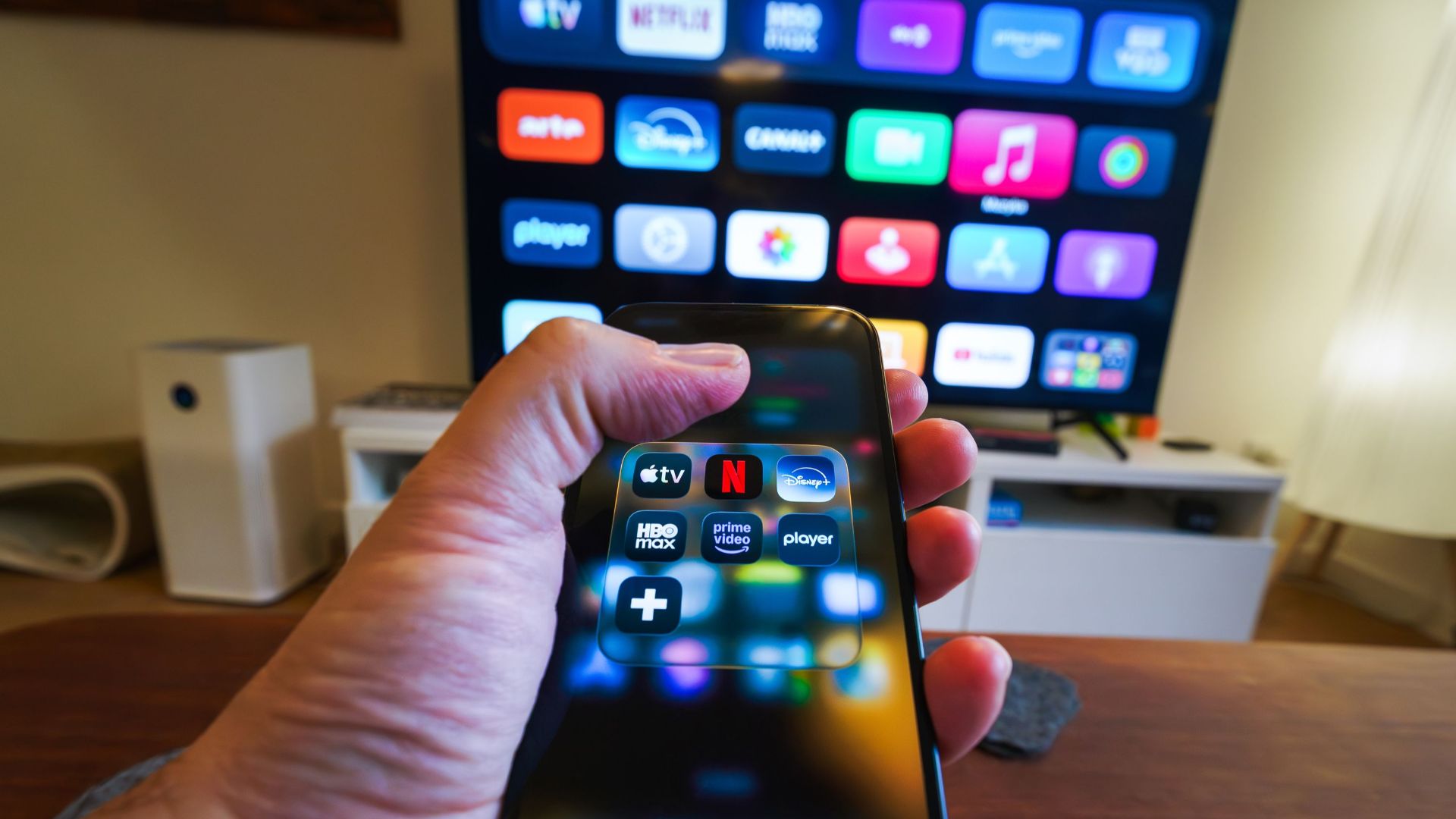
If you've ever spent 20 minutes looking for a show only to discover it's on a streaming service you forgot you even subscribed to, you're not alone. What was supposed to make television simpler has somehow become more complicated than cable ever was.
Between Netflix, Hulu, Prime Video, Disney+, Max, Paramount+, Peacock, Apple TV+, and whatever new service launched this week, it's easy to lose track of where anything actually lives.
The good news? There are a few surprisingly easy ways to keep everything organized.

There Are Actually Two Problems
The first problem is figuring out where a show is streaming. The second is keeping all your streaming services organized. They sound similar, but they're different headaches—and they have different solutions.
Shows Don't Stay Put
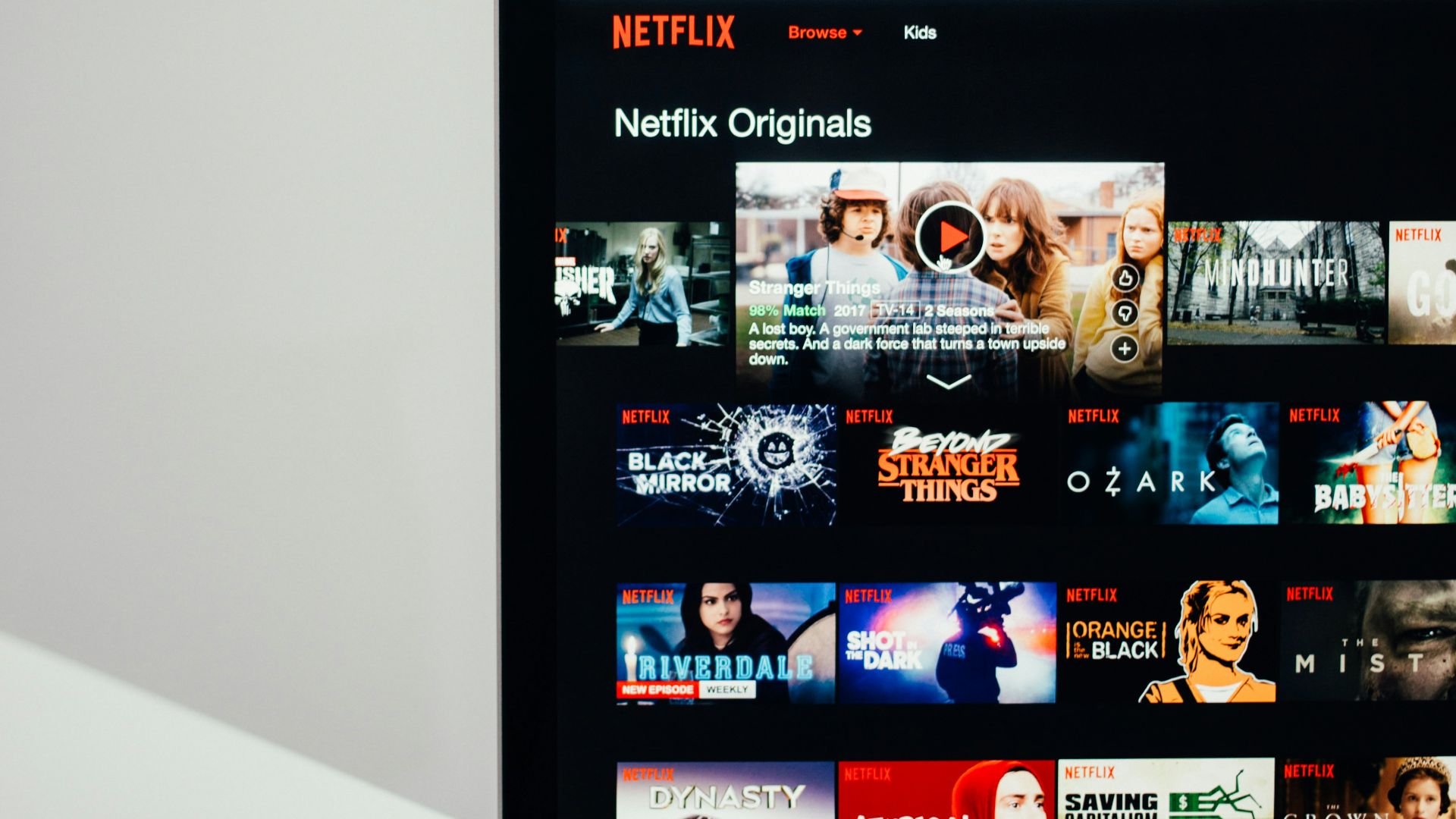
Part of the confusion is that shows move around. A series that was on Netflix last year might be on Peacock today and somewhere else next year. If it feels like you're constantly searching for things you used to know where to find, you're not imagining it.
Finding Shows Is The Easy Part
Let's start with the first problem. If you're constantly wondering where a particular show or movie is streaming, there are tools designed specifically for that.
Use A Streaming Search App
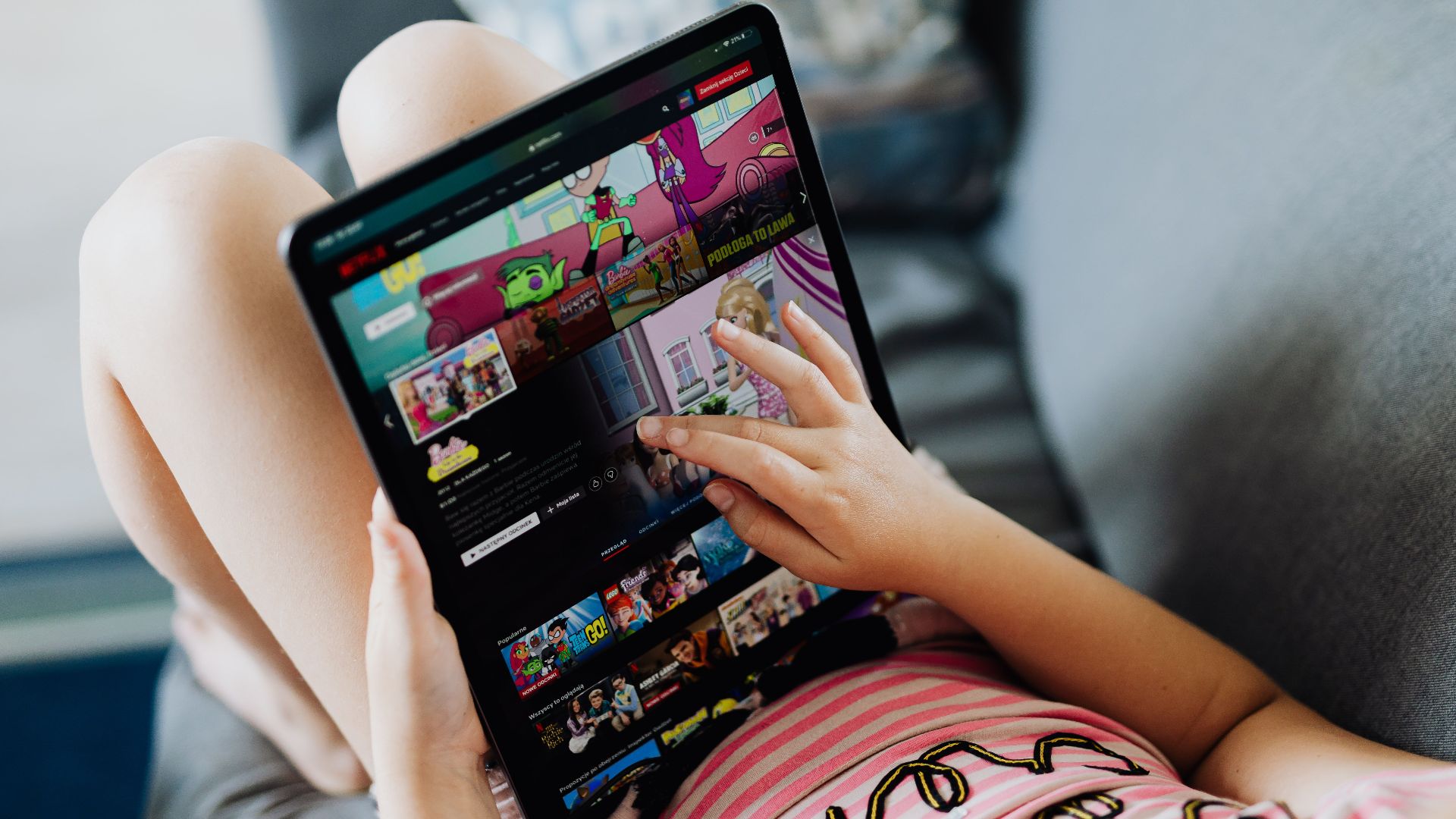
Apps like JustWatch and Reelgood are free apps you install on your phone, tablet, or computer. Think of them as search engines for streaming. They won't stream anything themselves, but they can quickly tell you which service currently has the show you're looking for.

Think Of It As A TV Guide
Remember flipping through a TV Guide to see what was on? These apps do something similar for the streaming age. Type in a show like Yellowstone, The Bear, or Reacher and they'll tell you where it's streaming. That's genuinely useful—but it doesn't solve the bigger problem of having a dozen different streaming apps.
Build One Master Watchlist
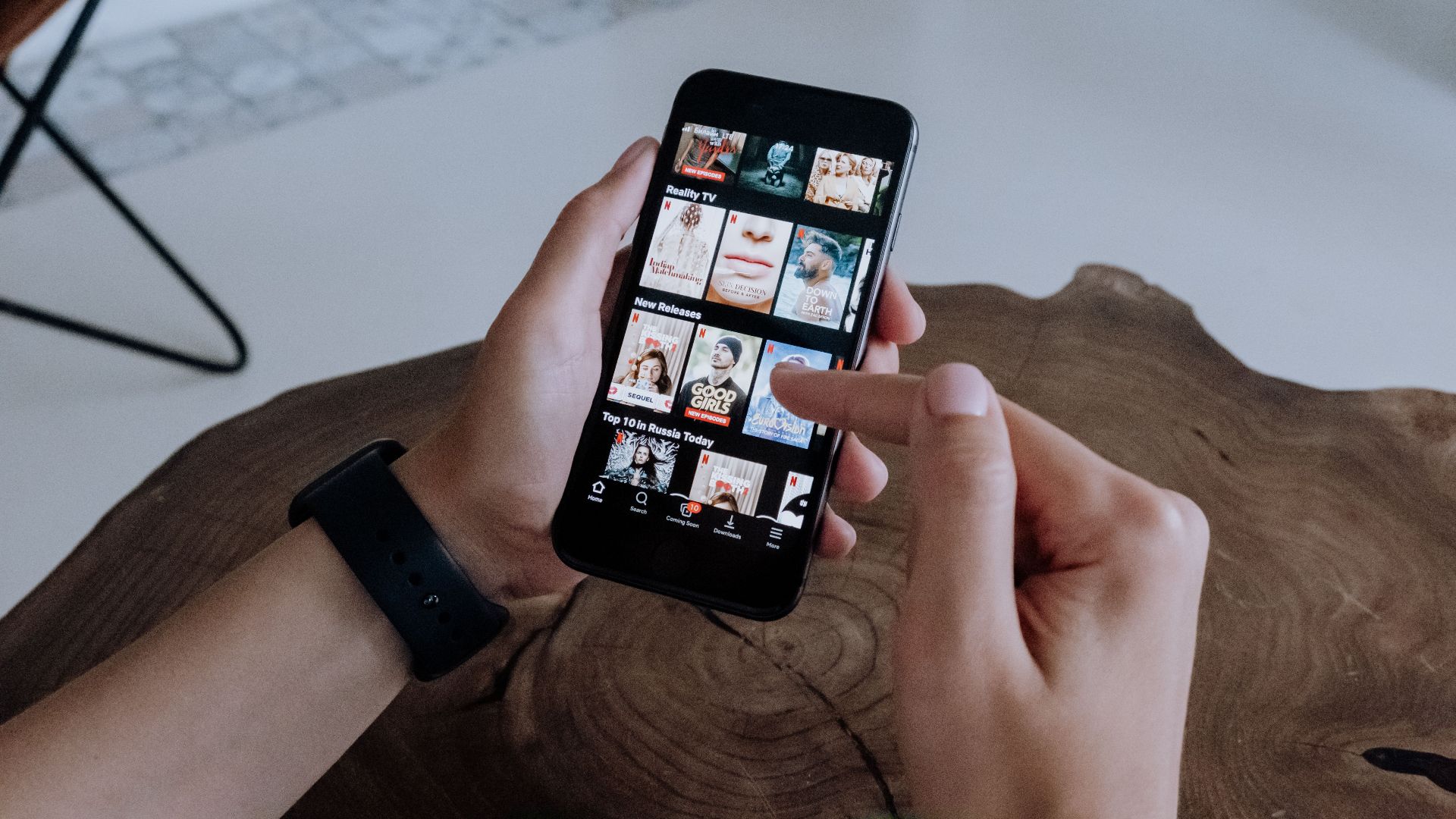
One thing these apps do well is help organize your viewing. Ever have someone recommend a show, think 'I should watch that,' and then completely forget what it was a few weeks later? A master watchlist keeps everything in one place instead of scattering it across multiple streaming services.

What If You Want One Menu?
This is where many people get frustrated. Finding a show is nice. What a lot of people really want is one screen, one menu, and one place to start when they turn on the TV.
Roku Keeps Things Simple
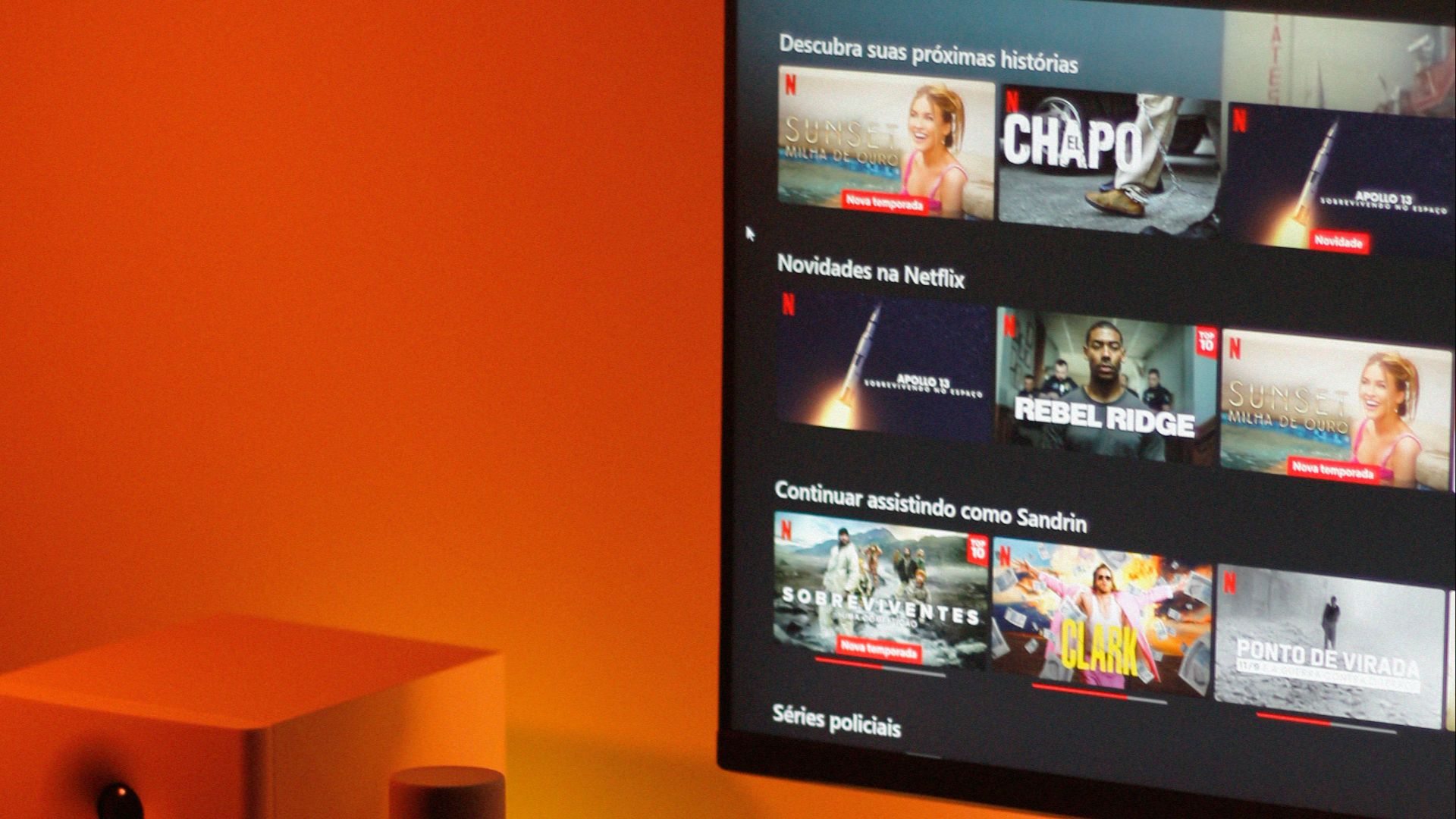
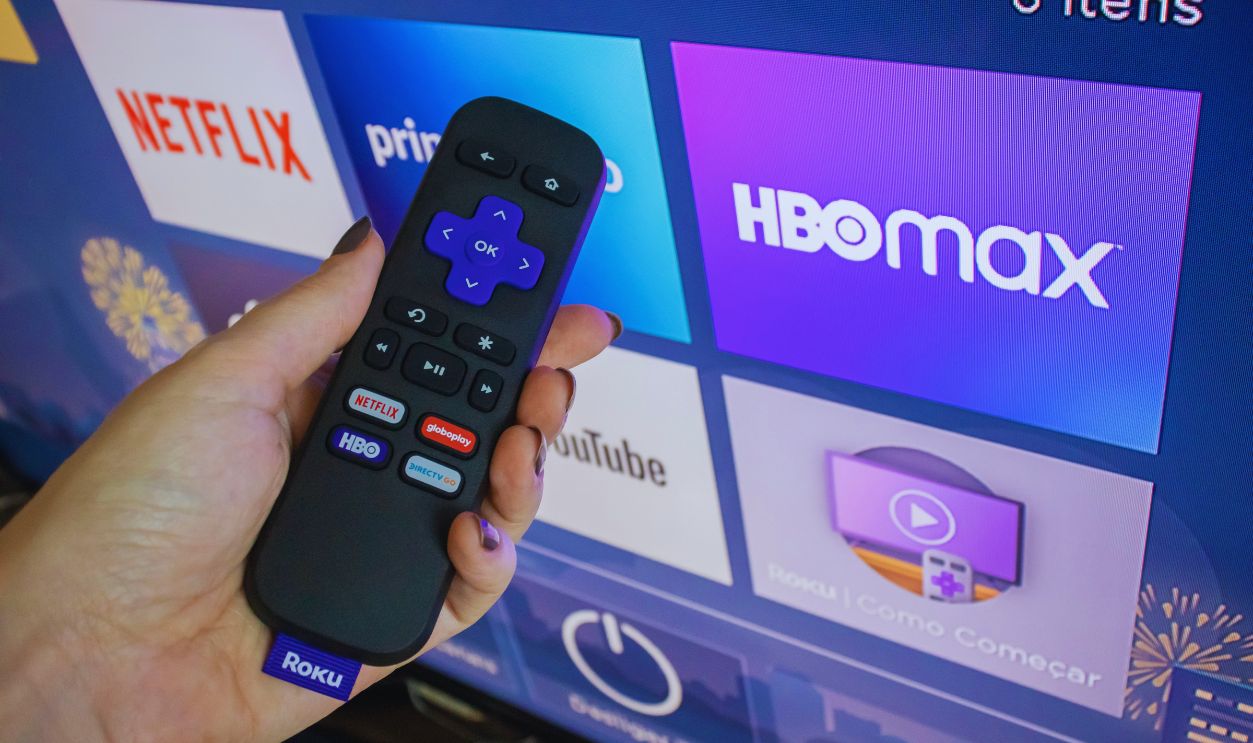
If you're the type of person who just wants to turn on the TV and watch something, Roku is probably the easiest option. Everything sits on one home screen, the menus are simple, and the search feature is surprisingly good. Search for a show once and Roku will often check multiple streaming services for you.
Apple TV Tries To Bring Things Together
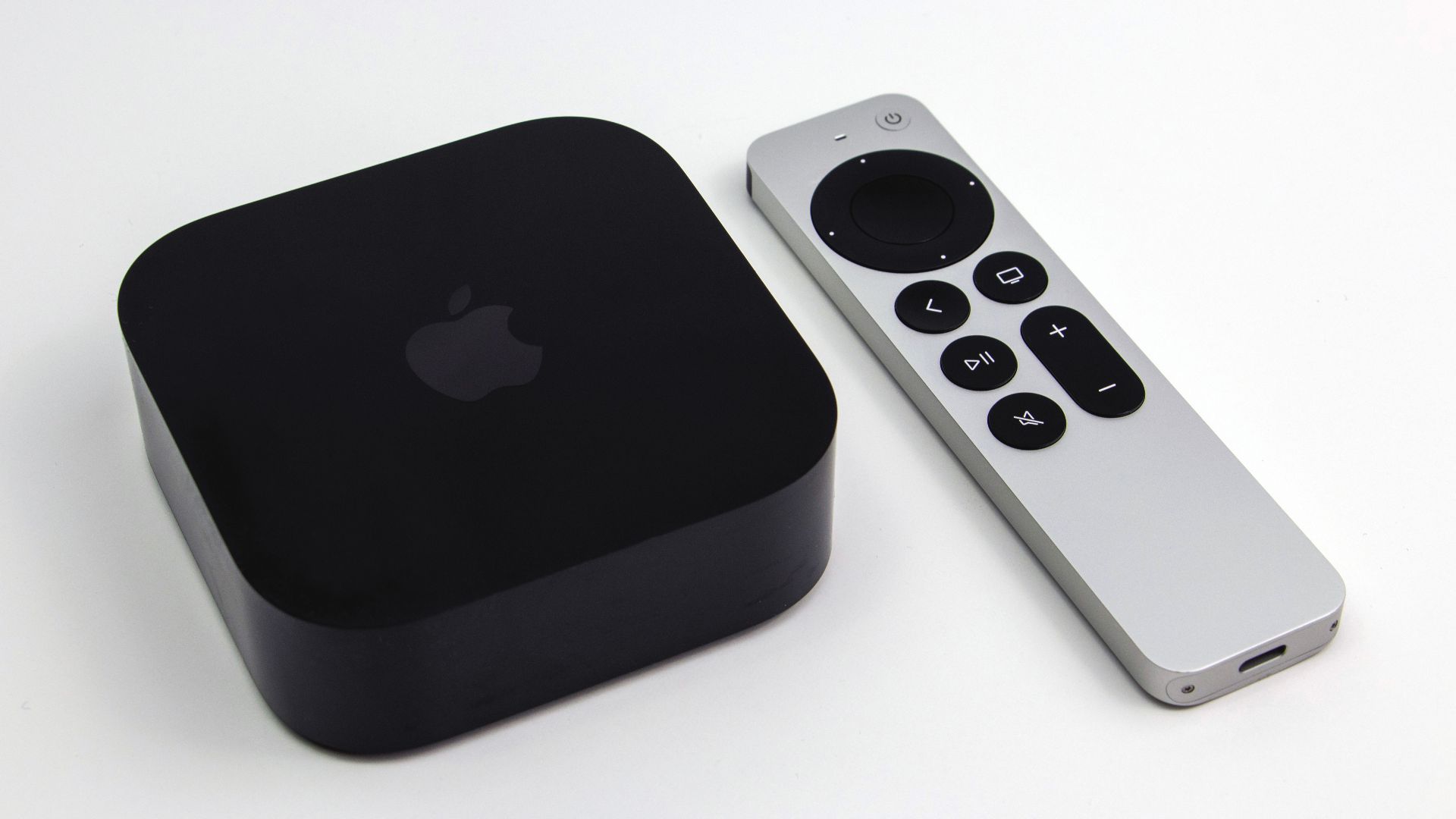
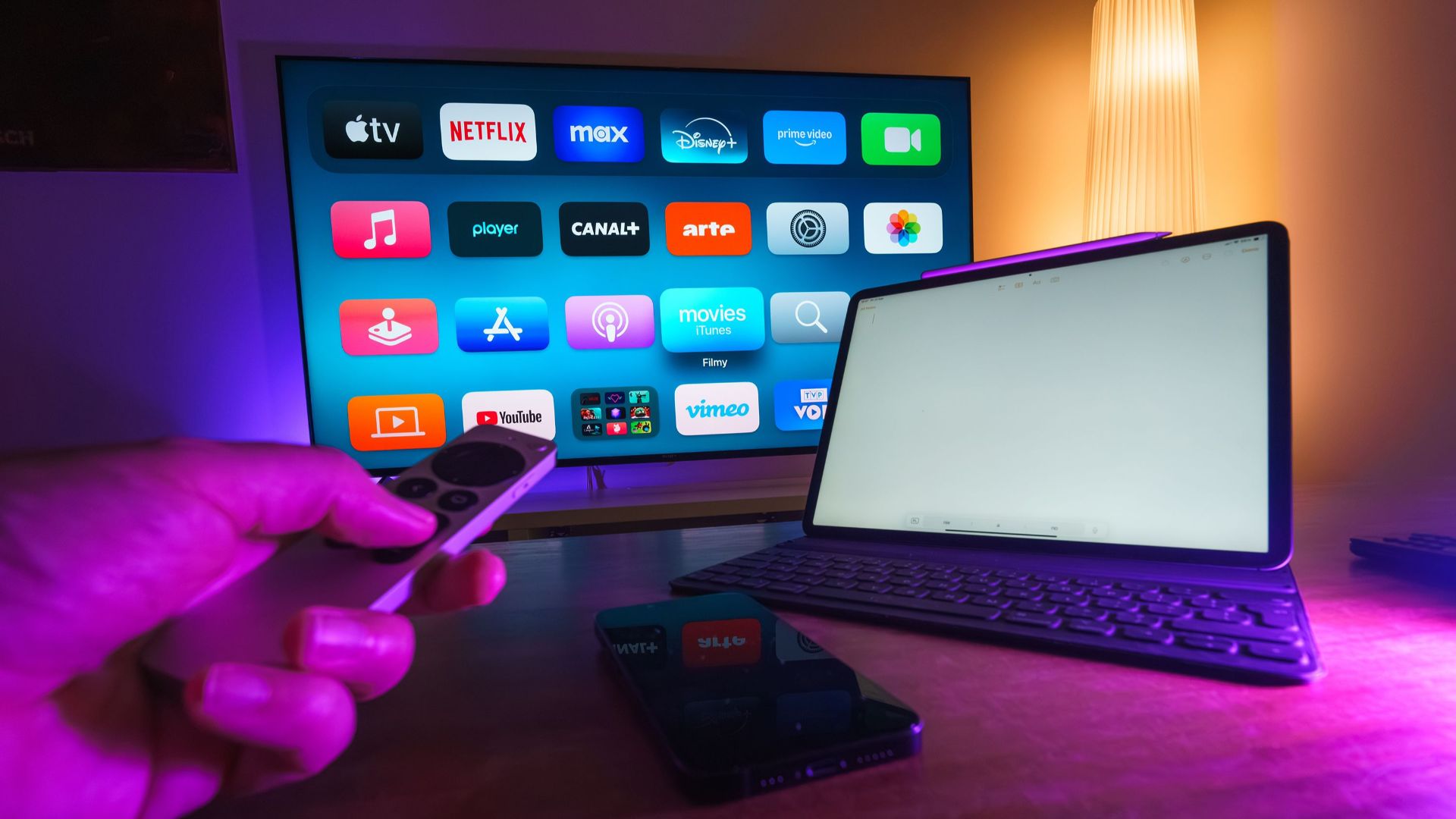
Apple TV comes closer than most devices to creating a unified streaming experience. Its 'Up Next' feature can pull shows from multiple services into one place so you're not constantly trying to remember where you left off.
 Dillan Payne, Wikimedia Commons
Google TV May Be The Closest
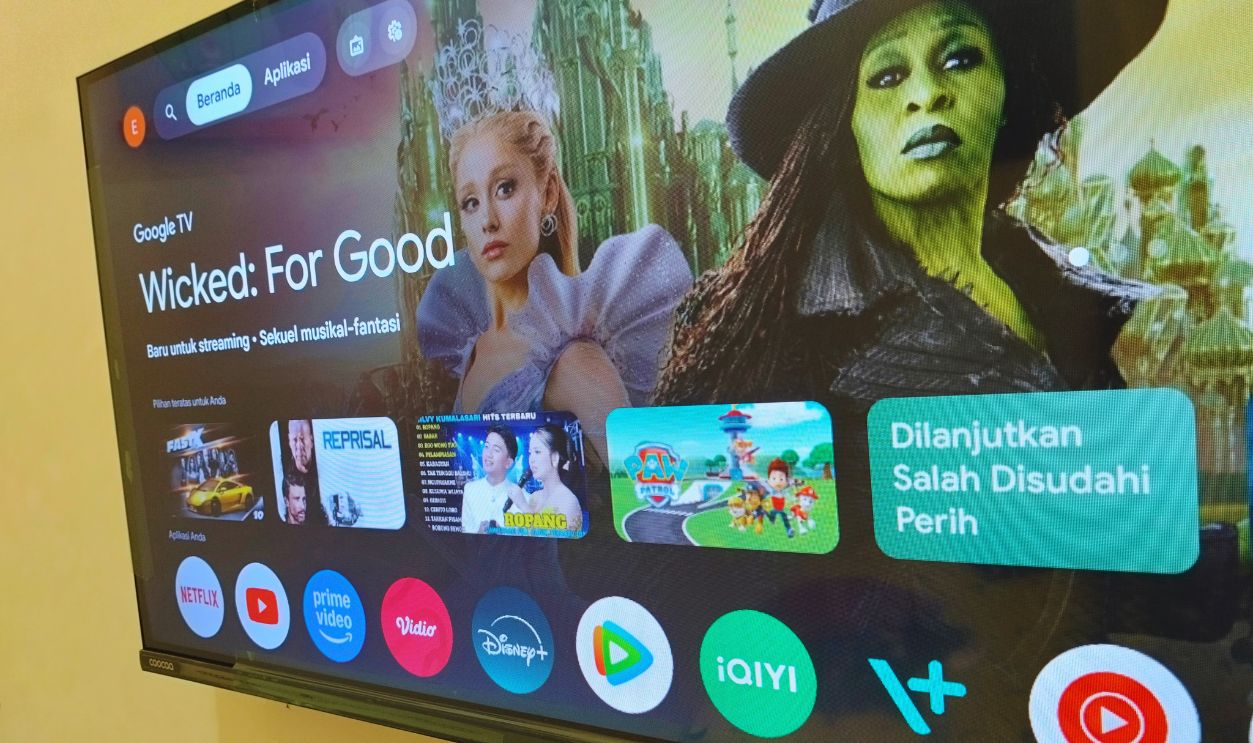
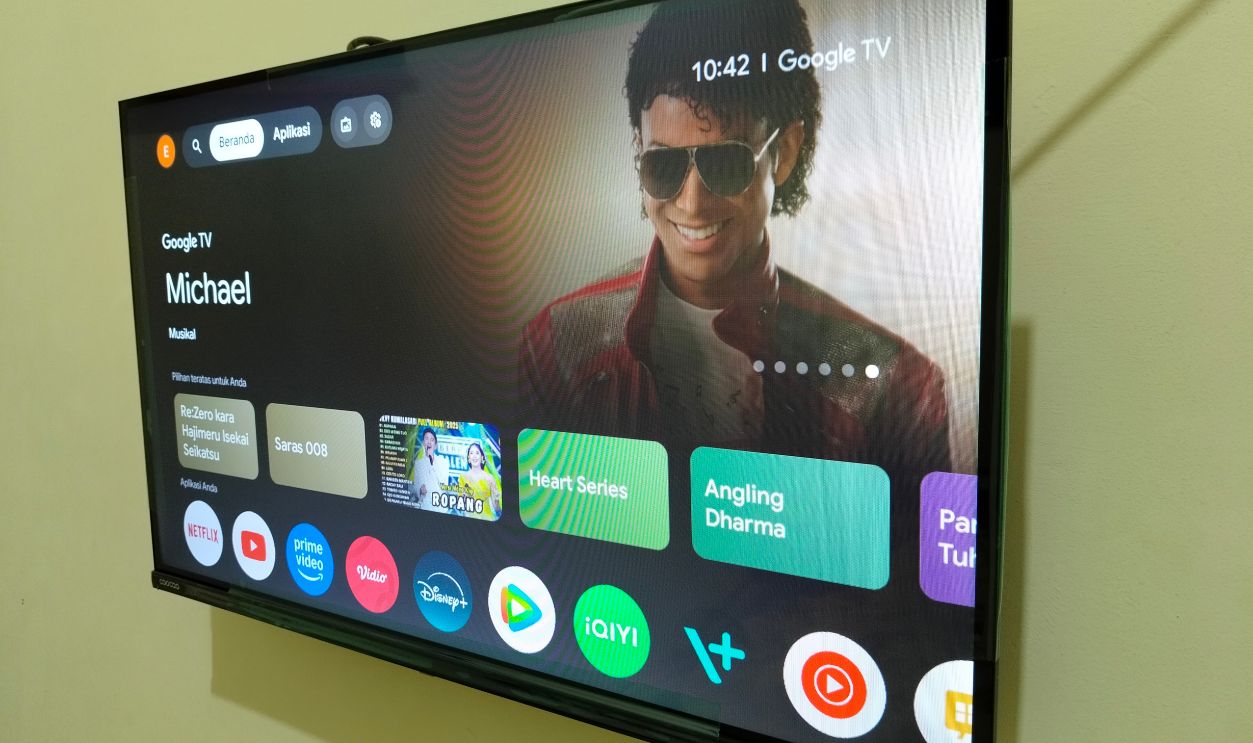
Google TV may be the closest thing we currently have to a modern version of the old cable guide. It pulls recommendations from multiple services and presents them on one screen instead of making you hunt through apps.
Fire TV Is Getting Better Too
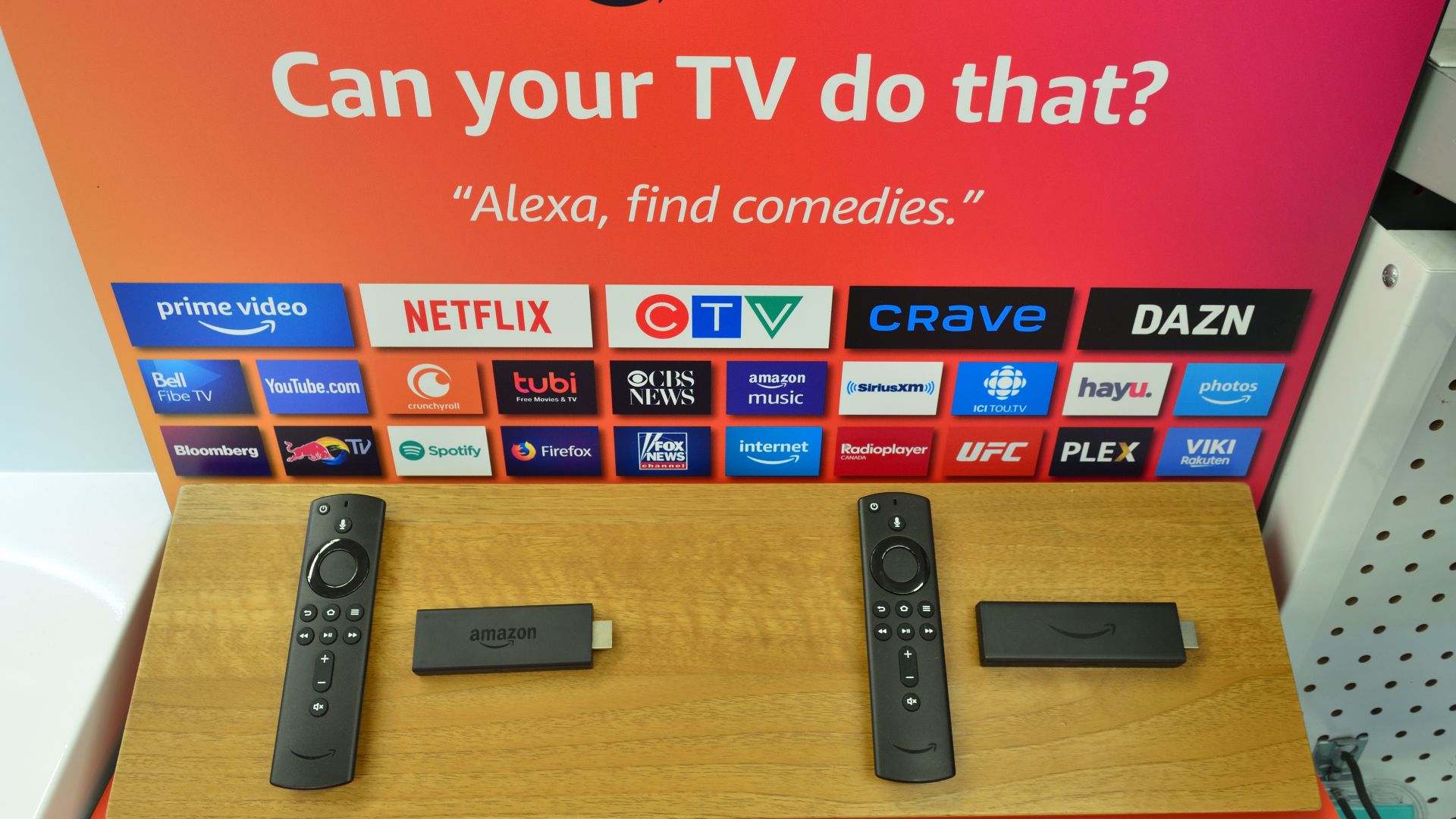
Amazon's Fire TV devices have become increasingly good at organizing content from different streaming services. It's still not perfect, and not every streaming company fully cooperates with these platforms, but it can make the experience feel a lot less scattered.
 Raysonho @ Open Grid Scheduler / Scalable Grid Engine, Wikimedia Commons
You May Already Own One
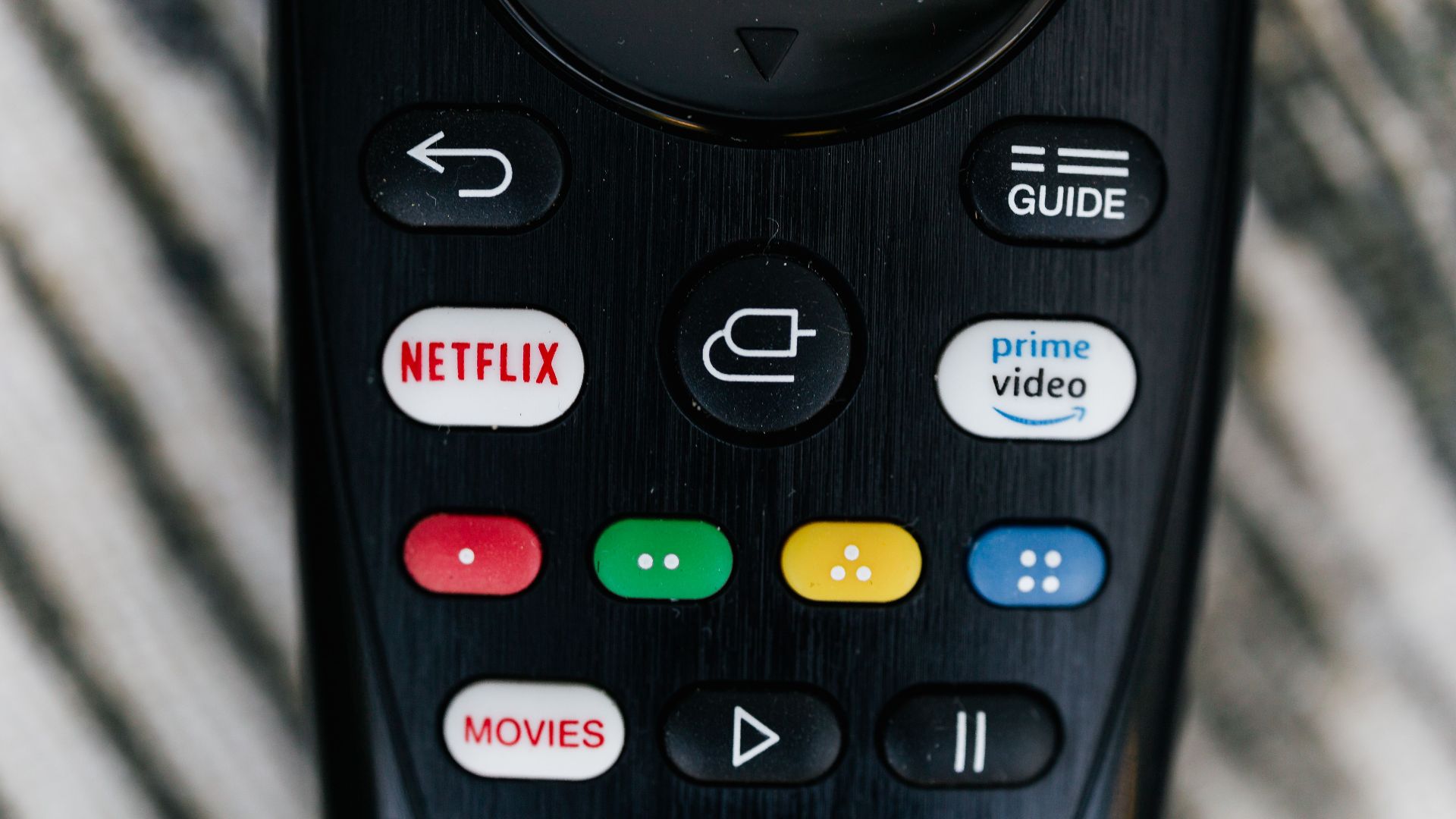
Before you spend money on a new streaming device, check your television. Many newer TVs already come with Roku TV, Google TV, Fire TV, or similar software built right in. The solution may already be sitting in your living room.
Check Before You Buy
Spend a few minutes exploring your TV's settings and search features. A surprising number of people discover that their television can already search across streaming services and recommend content without any extra hardware.

Why Isn't There One Perfect Solution?
Because Netflix wants you using Netflix. Disney+ wants you using Disney+. Prime Video wants you using Prime Video. If all the streaming companies played nicely together, we'd probably have a perfect solution already. Don't hold your breath.
Maybe What You're Looking For Is Cable
This might sound funny, but hear me out. If what you really miss is one guide, one menu, channel surfing, and not having to remember where everything lives, you may actually be looking for something closer to cable.

Streaming Accidentally Recreated Cable
Services like YouTube TV, Hulu + Live TV, DirecTV Stream, and Fubo are basically cable television delivered through the internet. You get a familiar channel guide, local stations, sports, news, DVR features, and a much more traditional TV experience.
The Funny Part
Some live-TV streaming services now cost almost as much as cable did. After years of trying to escape cable bills, television somehow found its way right back to monthly channel packages. Nobody saw that plot twist coming.

Don't Forget Voice Search
If you use Roku, Fire TV, Apple TV, or many smart TVs, voice search can save a lot of frustration. Instead of pecking away at a remote one letter at a time, you can simply say the name of a show and let the device do the work.
Don't Be Afraid To Ignore New Services
It sometimes feels like a new streaming service launches every other week. The truth is that you don't need all of them. Most people could probably cancel a few subscriptions tomorrow and barely notice a difference in what they watch.
Rotate Your Subscriptions
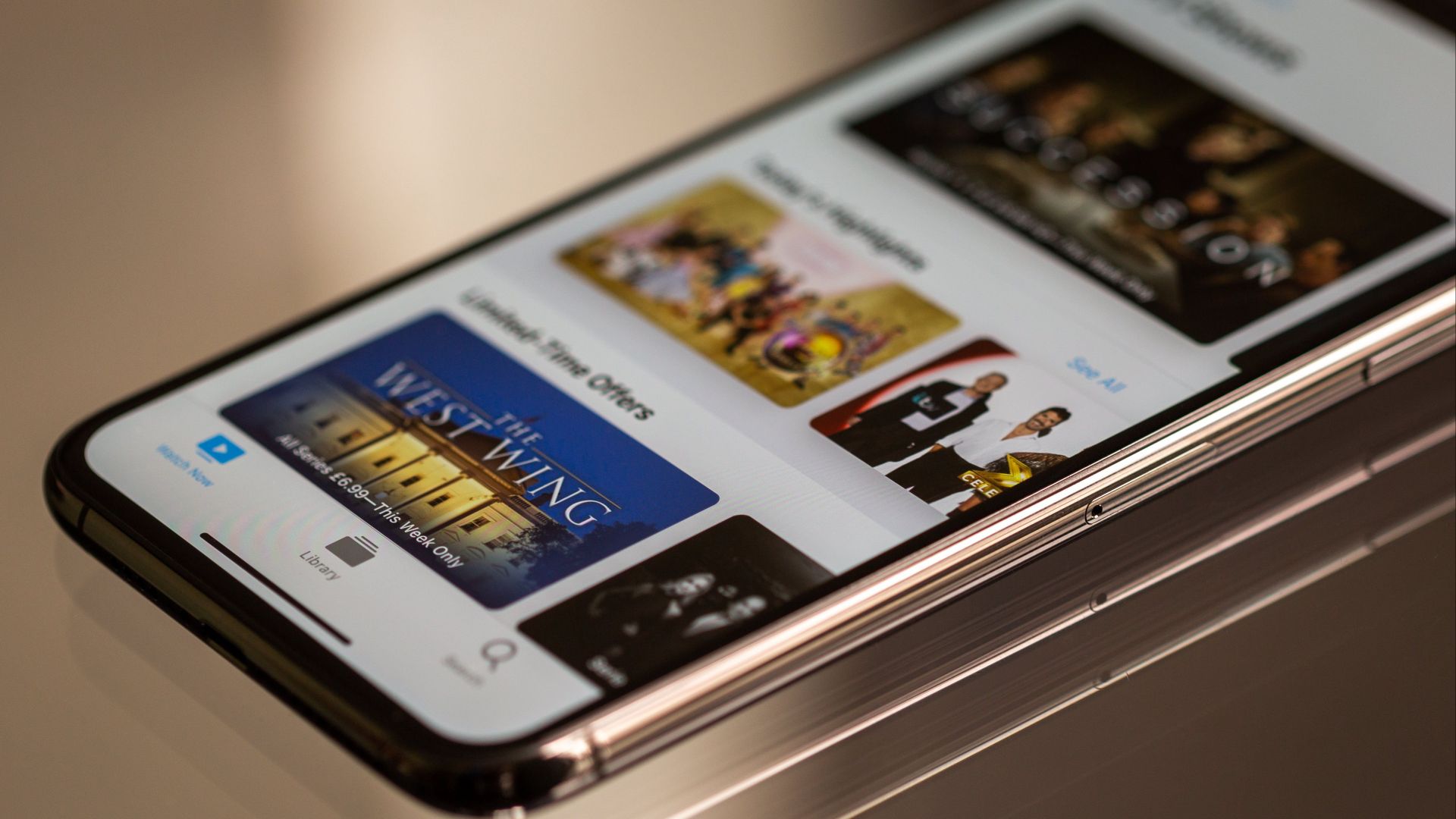
Here's another trick many experienced streamers use: stop paying for everything at once. Watch the shows you want on one service, cancel it, then move on to another. Your wallet will probably thank you.

The Bottom Line
You're definitely not the only person feeling overwhelmed by streaming. Modern television really is more complicated than it used to be. Apps like JustWatch and Reelgood can help you find shows. Devices like Roku, Apple TV, Google TV, and Fire TV can help organize the experience. And if what you really miss is one guide and one menu, a live TV streaming service might be closer to what you're looking for than another streaming app.
You Might Also Like: